

Cango logo
Smartphone scanning a passport-style ID card and utility bill on a dark desk under a warm orange lamp

Cookie Policy

Updated: 10 November 2026

This cango bonus hub cookie policy explains how our independent information site uses small text files to operate smoothly for readers from New Zealand. We do not run the casino cashier, hold player balances or process deposits. Instead, our site uses cookies to remember your display preferences, count anonymous page visits, and record when a reader clicks an outbound referral button. You can control or delete these files at any time through your browser settings.

Which cookies we use

When you read our bonus comparisons or pokies guides, your browser stores small text files on your phone or computer. We keep our data footprint minimal because we do not have user registration forms, login panels, or payment gateways on this hub. Every file we place falls into one of four basic categories.

Cookie categoryPurpose on this hubTypical lifespanData stored
FunctionalRemembers cookie banner dismissal and layout viewUp to 6 monthsRandom session flag, preference state
Anonymous statisticsCounts page views, time on page, and device type24 hours to 12 monthsAnonymised IP, browser type, screen size
Affiliate trackingRecords that a referral button was clicked from our hubTypically 30 daysAnonymous click ID, timestamp, page path
Security and loadProtects the site from automated scraping and balances trafficSession to 30 daysEncrypted security token, server route

Functional files make sure you do not see the same notice every time you move from a review page to a payment guide. Anonymous statistics help our editorial team see which articles Kiwi players read most often and where pages load slowly on mobile networks. Affiliate tracking files are placed only when you choose to click an outbound button to the casino; they carry a simple referral tag so the partner knows the visit started here, without attaching your name or email.
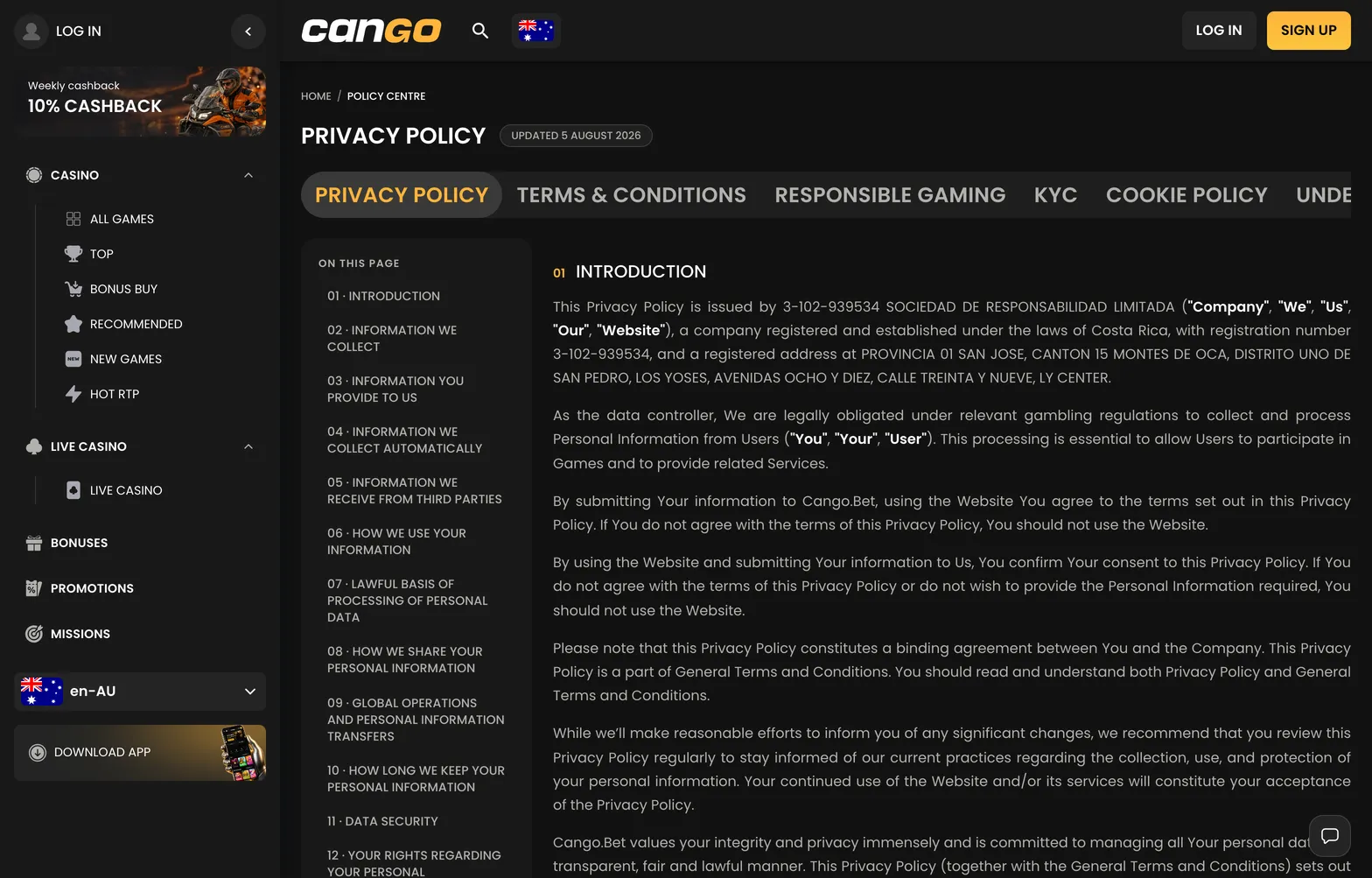
Cango privacy policy page in the casino Policy Centre

Cookies on this site cover basic functions, anonymous statistics and affiliate link tracking.

Managing cookies on your device

You decide whether to allow, block, or clear cookies through your browser settings on both desktop and mobile devices. Blocking analytics or affiliate files will not stop you from reading our tables or bonus breakdowns, though clearing functional files means our cookie notice will appear again on your next visit.

In Safari on iPhone or Mac, open the Settings or Preferences menu, select the Privacy tab, and choose the option to block all cookies or manage website data to remove stored files for specific sites. In Google Chrome on Android or desktop, tap the three-dot menu, open Settings, go to Privacy and Security, and select Third-party cookies or Clear browsing data to wipe existing trackers. In Mozilla Firefox, open the main menu, select Settings, and open the Privacy and Security panel, where you can switch Enhanced Tracking Protection to Strict or delete individual site data rows. You can also use private or incognito windows in any of these browsers so that all session and referral cookies are erased automatically as soon as you close the tab.

Changes to this policy

We update this page whenever we change our analytics tools, adjust cookie lifespans, or modify how referral tags work across the hub. Because this is an informational site with no user accounts, we do not send email alerts when technical updates happen. Instead, the revision date at the top of the page always reflects the latest version of the text.

We review our technical setup regularly to make sure no unnecessary third-party scripts are running in the background while you read. If we introduce a new category of functional or statistical files, we will add it to the summary table above and reset the consent banner so you can review the updated setup on your next visit.